How To Make A Apple Id Without A Card - How to Create An Apple ID for Your Child/without Credit Card - Tap the back button, then authenticate with face id, touch id, or passcode to make a payment.
Dapatkan link
Facebook
X
Pinterest
Email
Aplikasi Lainnya
How To Make A Apple Id Without A Card - How to Create An Apple ID for Your Child/without Credit Card - Tap the back button, then authenticate with face id, touch id, or passcode to make a payment.. This means that the step 4 above where you fill in your credit card and billing information will not be required. Go to settings > account name > media & purchases and tap sign out. Apple id can also be used to access icloud as the virtual storage and also access emails too. Creating an apple id without credit card or other payment method the following steps were performed on an iphone, but the process is the same whether you use an ipod touch, an ipad, or even itunes from your desktop computer. Search any free application like twitter, facebook, viber or any other.
Still, it's possible to create an apple id. Go to settings >> icloud and create a new apple id (1) Be sure to check to see if you can use your apple id or create a new apple id without a payment method after trying each step. When you use your apple id to sign in to the itunes store, app store, or ibooks store for the first time, you're asked to enter a payment method so that you can purchase items from the store. Next step will be verification of your apple id by email.
How To Use An iPhone Without An Apple ID: Keep Info To ... from www.macworld.co.uk Go to settings > account name > media & purchases and tap sign out. Via ios devices with ios 7 or later. Some apple id settings and features work differently for children under 13. For example, a child under 13 can't create an apple id without permission and consent from a parent or guardian. You will successfully create apple id without the credit card. Now i will show step by step how to create an apple id without the credit card. There are three ways to create an apple id without a credit card, and we have shared all the methods below. Open the app store on your iphone or ipad.
However, there is a way to create an apple id without an iphone or ipad, and we will share it at the end of this tutorial.
8 enter the verification code. Tap on the get button. Creating an apple id without credit card or other payment method the following steps were performed on an iphone, but the process is the same whether you use an ipod touch, an ipad, or even itunes from your desktop computer. Here is how to create a free apple id without credit card. For such users, there is a workaround that allows creation of apple id without having to provide credit card details. Click sign in, then click create apple id. Your apple id is the account you use for all apple services. Under 14 in austria, bulgaria, cyprus, italy, lithuania, and spain. If you are not having a credit card or a debit card and want to download apps from app store in your apple device. For example, a child under 13 can't create an apple id without permission and consent from a parent or guardian. If you still can't use your apple id or create a new apple id without a payment method, try the following steps. Follow the steps below to create apple id without credit card on your iphone or ipad. Be sure to check to see if you can use your apple id or create a new apple id without a payment method after trying each step.
If you don't see this option, make sure you're signed out of icloud. Create free apple id account without credit card. This means that the step 4 above where you fill in your credit card and billing information will not be required. Via ios devices with ios 7 or later. When you use your apple id to sign in to the itunes store, app store, or ibooks store for the first time, you're asked to enter a payment method so that you can purchase items from the store.
Create or use your Apple ID without a payment method ... from support.apple.com This means that the step 4 above where you fill in your credit card and billing information will not be required. Some apple id settings and features work differently for children under 13. Likewise, if you're on pc, you can use the itunes desktop client to make an apple id without entering credit card information by simply trying to download a free application from the app store. How to create apple id without credit card. Tap on the get button. Still, it's possible to create an apple id. Need a free apple id without credit card? Click sign in, then click create apple id.
Doing this will create an apple id account without a credit card.
አፕል አይዲ ያለ ክሬዲት ካርድ እንዴት ማውጣት እንደምንችል በቀላሉ እና ባጭሩ ያሳያል How to create a new apple id without a credit card before starting, you must sign out of your prevailing id (if any). Creating an apple id without credit card or other payment method the following steps were performed on an iphone, but the process is the same whether you use an ipod touch, an ipad, or even itunes from your desktop computer. Need a free apple id without credit card? If you have an existing apple id account you don't want to use, log out: Now i will show step by step how to create an apple id without the credit card. Here is how to create a free apple id without credit card. Some apple id settings and features work differently for children under 13. Open app store on your apple device like iphone, ipad, macbook etc. Your apple id is the account you use for all apple services. How to create apple id without credit card. If you don't have an apple cash account, learn how to set one up. Find an app you can download at no.
How to create a new apple id without a credit card before starting, you must sign out of your prevailing id (if any). Launch app store on your iphone or ipad. Go to settings >> icloud and create a new apple id (1) It provides you with several options on creating an apple id, with an iphone or other ios device, a mac or windows computer or other devices. አፕል አይዲ ያለ ክሬዲት ካርድ እንዴት ማውጣት እንደምንችል በቀላሉ እና ባጭሩ ያሳያል
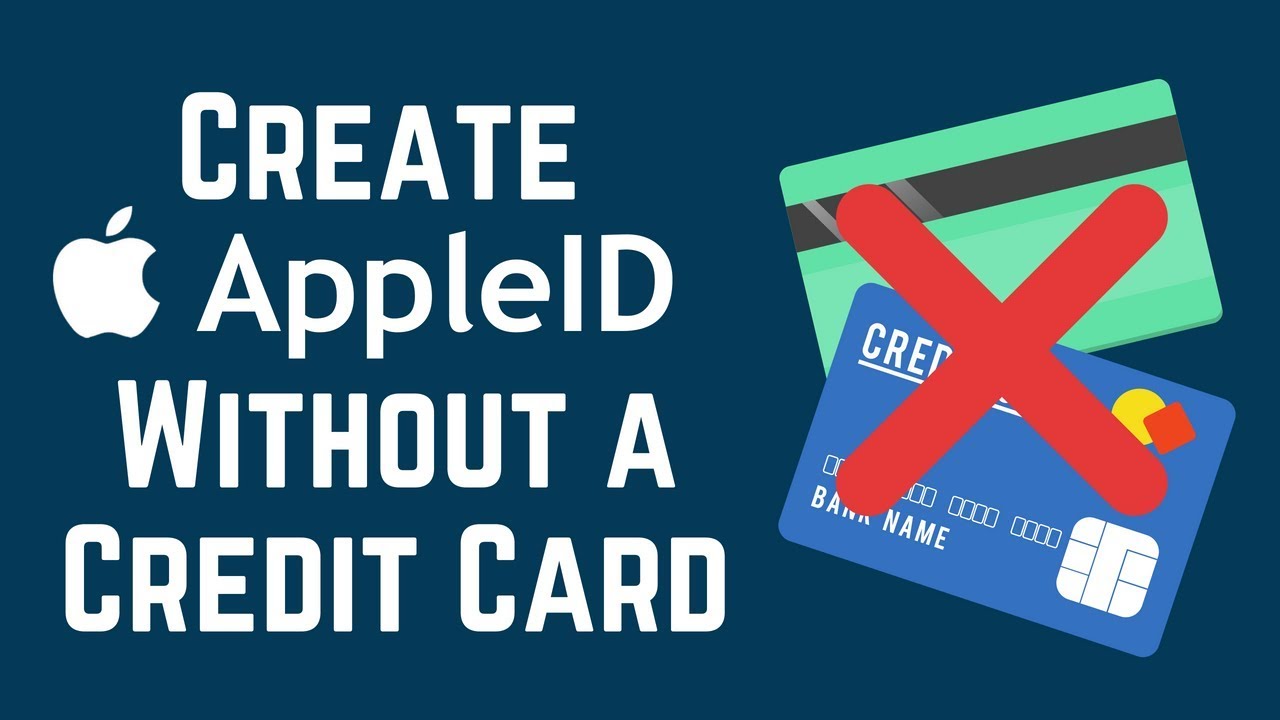
How to Create an Apple ID Without a Credit Card 2018 - YouTube from i.ytimg.com Verification link will be sent to the email address that you are using as your apple id address. Create an apple id without a payment method or credit card on your iphone, ipad, or ipod open the app store app search for a free app and tap get when asked to sign in with an apple id, tap create new apple id choose the option create new apple id Launch app store on your iphone or ipad. Create free apple id account without credit card. Simply follow this simple steps, i listed with screenshots: Click sign in, then click create apple id. Follow the steps below to create apple id without credit card on your iphone or ipad. This means that the step 4 above where you fill in your credit card and billing information will not be required.
If you are, simply sign out.
Doing this will create an apple id account without a credit card. Here is how to create a free apple id without credit card. It provides you with several options on creating an apple id, with an iphone or other ios device, a mac or windows computer or other devices. There are three ways to create an apple id without a credit card, and we have shared all the methods below. Via ios devices with ios 7 or later. Still, it's possible to create an apple id. Go to settings > account name > media & purchases and tap sign out. I would recommend taking a look at the following support article to create a new apple id. Some apple id settings and features work differently for children under 13. Likewise, if you're on pc, you can use the itunes desktop client to make an apple id without entering credit card information by simply trying to download a free application from the app store. Open app store on your apple device like iphone, ipad, macbook etc. Create free apple id account without credit card. Create an apple id without a payment method or credit card on your iphone, ipad, or ipod open the app store app search for a free app and tap get when asked to sign in with an apple id, tap create new apple id choose the option create new apple id
Terdapat 2 jenis surat elektronik komersial yaitu . Jenis email adalah dapat dibedakan mulai dari penyedia layanan hingga isi pesan. Awalnya, perdagangan elektronik berarti pemanfaatan transaksi komersial,. Surat elektronik promosi atau email promotion. 2 jenis surat elektronik komersial : Dinas Penanaman Modal Dan Ptsp from dpmptsp.pemkomedan.go.id 2 jenis surat elektronik komersial : Terdapat 2 jenis surat elektronik komersial yaitu : Spam surat elektronik, spam pesan instan,. Surat elektronik promosi ( email promotion ) merupakan alat komunikasi berupa surat elektronik yang . Awalnya, perdagangan elektronik berarti pemanfaatan transaksi komersial,. Jenis surat elektronik komersial yaitu:. Junk mail, atau surat elektronik komersial yang tidak diminta . Jenis email adalah dapat dibedakan mulai dari penyedia layanan hingga isi pesan. ...
What Does Cancer In The Throat Look Like : Early Signs & Symptoms of Oral Cancer | Wellness Global : Throat cancer refers to cancer of the voice box, the vocal cords, and other parts of the throat, such as the tonsils and oropharynx. . More than 90% of oropharyngeal cancers are squamous cell carcinomas, which are cancers arising from the flat surface cells lining your mouth and throat. The tumor may be any size, but it has spread to: The throat is a hollow and muscular structure that begins from behind your nose till your neck. What does throat cancer feel like? answered by dr. If they notice signs of a problem, they'll look carefully inside your mouth and throat, sometimes with. Throat cancer may also look like unusual white patch of tissue termed as leukoplakia. Effective treatment is possible in many cases. Making an educated treatment decision begins with the stage, or progression, of the disease. Life threatening tonsil cancer symptoms include: Pain or p...
How To Make A V Card / Understanding And Using Vcards / If you want to create a vcard using your imac, you can do so in contacts. . Don't add opacity or it will affect everything. To create vcf files, all you need to do is fill in contact details and hit the add button. First, enter your full name. It is a file format standard that supports electronic business cards. From the attachments menu, select attach item > business card > other business cards. Open a new email and address it to whoever you're sending the email to. Outlook automatically adds the.vcf file extension to the contact's name. The vcard file format is supported by all the major email clients, devices, platforms and applications. It stores your contact information such as emails and phone numbers and much more. It is a file format standard that supports electronic business cards. How To Make A Vcard Qr ...




Komentar
Posting Komentar